What is UMANG? The government's unified services app explained
Last reviewed:
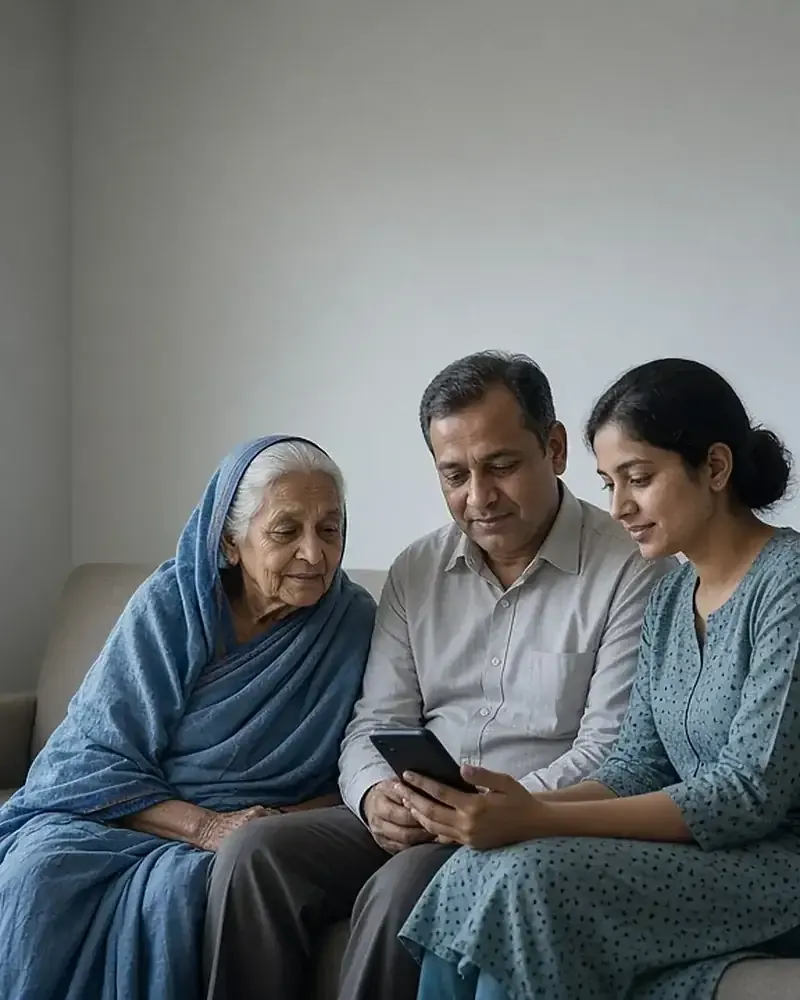
UMANG is the Government of India’s unified app and website for public services. Instead of installing one app for provident fund, another for gas booking, a third for a pension certificate and a fourth for a train enquiry, a citizen installs UMANG once, logs in with one mobile number and MPIN, and reaches hundreds of central and state departments from the same screen. On 20 November 2026 the counter on web.umang.gov.in showed 2,639 services from 242 departments and entities.
UMANG full form and meaning
UMANG stands for Unified Mobile Application for New-age Governance. The Google Play listing describes the idea as making e-governance “mobile first”: services are designed to work on a phone before anything else, with the website, SMS and IVR channels alongside.
In Hindi the app is usually written उमंग ऐप, and people searching for “umang app kya hai” are asking the same question: it is a single government app that carries services from many departments.
Who built it and who runs it
UMANG was developed by the Ministry of Electronics and Information Technology (MeitY) and the National e-Governance Division (NeGD). The UMANG About Us page says it was developed “to drive Mobile Governance in India” and gives one platform for all Indian citizens to reach pan-India e-Gov services, from central government to local bodies.
The footer of every UMANG web page states that the portal is a Digital India project under the National e-Governance Plan and is “owned, designed & developed by National e-Governance Division (NeGD), Ministry of Electronics & IT, Govt. of India”. The same footer adds that the content linked through UMANG is owned and maintained by the respective ministries and departments of the Centre and the States.
That split matters in practice:
- NeGD runs the platform: the app, the website, login, MPIN, search, notifications, the help desk on 10505 and the DigiLocker integration.
- Each department runs its service: EPFO decides your PF claim, UIDAI provides your Aadhaar download, the gas company delivers your cylinder and a state department issues your certificate.
NeGD’s own UMANG page calls the vision “a single interface for citizens to interact with the government, be it services, beneficiary schemes, documents, information, engagement/participation in governance”.
Launch in November 2017 and growth since
Prime Minister Narendra Modi launched UMANG on 23 November 2017 at the fifth Global Conference on Cyber Space in New Delhi. The PIB launch release described it as carrying 162 services from 33 departments and 4 states, in 13 Indian languages. A later PIB release of 21 November 2020 recorded that the app was dedicated to the nation with 163 services and had won the “Best m-Government service” award at the 6th World Government Summit in Dubai in February 2018.
| When | Services | Source |
|---|---|---|
| November 2017 (launch) | 162 | PIB, 23 November 2017 |
| 31 July 2026 | about 2,575 | PIB, 12 August 2026 |
| 19 November 2026 | 2,639 | UMANG live counter |
| When | Figure | Source |
|---|---|---|
| November 2017 | 33 departments, 4 states | PIB, 23 November 2017 |
| July 2026 | 241 departments, 374 services added in a year | PIB, 29 July 2026 |
| 31 July 2026 | more than 11.66 crore users | PIB, 12 August 2026 |
| 19 November 2026 | 242 departments, 12.79 crore registrations | UMANG live counter |
The PIB release of 29 July 2026, based on a Lok Sabha reply, said 374 services were onboarded in the previous year alone, and the release of 12 August 2026 recorded about 798 crore transactions over the previous three years.
What UMANG does and does not do
UMANG is a gateway, not a new authority. It does not change any department’s rules, fees or eligibility. When you raise a PF claim, the claim goes to EPFO. When you apply for a certificate through an e-District service, the state department processes it.
What UMANG does
- Gives one login (mobile number with MPIN or OTP, or MeriPehchaan single sign-on) for many departments.
- Lets you search across services by name, category, department or State/UT.
- Shows your transactions and receipts under Profile › Transaction History when the department supplies them.
- Connects your DigiLocker account so that issued documents appear inside the app.
- Offers a help desk, live chat and feedback for platform problems.
What UMANG does not do
- It does not decide applications, claims or complaints; departments do.
- It does not replace a department’s own portal; some services open the department’s website, as EPFO’s Raise Claim opens the EPFO Member Portal.
- It does not refund fees for services already successfully submitted, according to its refund policy.
Features inside the app
The UMANG home page groups its features under four headings: all services and schemes, all documents, all engagements and all transactions in one place.
| Feature | What it does |
|---|---|
| Services | Central, state and utility services from 242 departments |
| Schemes | Explore schemes, check eligibility and see recommended or availed schemes |
| Documents | DigiLocker documents such as Aadhaar, driving licence, PAN and vehicle RC |
| Transactions | Status, bills and applications in one history |
| Engagement | Feedback and rating, notifications, live chat, chatbot, voice bot, ISL chatbot |
| Global search | Text and voice search with suggestions |
The UMANG user manual adds smaller features: up to four profiles on one account for family members, an app lock using the phone’s screen lock or the MPIN, a list of logged-in devices with the option to end sessions, and a Recently Used Services section and Bookmarks for quick access to the services and departments you use most.
Languages and accessibility
UMANG supports 23 languages, according to the UMANG FAQ: English, Hindi, Assamese, Bengali, Gujarati, Urdu, Punjabi, Kannada, Malayalam, Marathi, Odia, Tamil, Telugu, Santhali, Konkani, Sindhi, Sanskrit, Bodo, Nepali, Manipuri, Kashmiri, Dogri and Maithili. The language can be changed from the selector at the top of the website or from the app’s settings. A department’s own screens may not be translated into every language.
For accessibility, the website responds to Ctrl + F2 or the Accessibility icon. The options include larger text, increased text spacing, a dyslexia-friendly font, contrast and colour adjustments, highlighted links, text-to-speech and paused animations. An Indian Sign Language chatbot is also listed on the home page.
How safe UMANG is
The UMANG FAQ states that sign-up and sign-in use multi-factor authentication through OTP and MPIN, and that releases are tested for vulnerabilities. The Play Store description adds that sensitive profile data is saved in an encrypted format.
The safety of your account still depends on a few habits:
- Keep your 6-digit MPIN to yourself. UMANG will never ask for your OTP, MPIN or bank details by call, SMS or email.
- Install the app only from Google Play or the App Store, where the publisher is shown as MeitY, Government Of India on Play and National e-Governance Division on Apple.
- Services that need Aadhaar e-KYC ask for your consent and send an OTP to your Aadhaar-linked mobile number; read the consent screen before agreeing.
- Log out on shared devices and check the logged-in devices list now and then.
UMANG compared with department apps and portals
Many departments still run their own apps and websites, and those remain valid. UMANG is useful because it saves you from keeping a dozen logins, and because one search finds services across departments. A department’s own portal can be better for complex tasks: for example, some EPFO tasks open the EPFO Member Portal, and DigiLocker’s own app offers extra drive features.
| Situation | Better choice |
|---|---|
| Quick checks across several departments | UMANG |
| A task UMANG hands over to the department | The department’s portal |
| A service your state has not added to UMANG | The state’s own portal |
Frequently asked questions
What is the full form of UMANG?
Unified Mobile Application for New-age Governance.
Which ministry owns UMANG?
The Ministry of Electronics and Information Technology, through the National e-Governance Division.
When was UMANG launched?
On 23 November 2017, by the Prime Minister at the Global Conference on Cyber Space in New Delhi. The App Store lists the first iOS release as 20 June 2017, before the formal launch.
Is UMANG a government app?
Yes. It is a Digital India project owned and developed by NeGD under MeitY.
Is UMANG safe to use?
It uses OTP and MPIN authentication and stores sensitive profile data in encrypted form. Your MPIN and OTP should never be shared with anyone.
Is UMANG the same as DigiLocker?
No. DigiLocker is a separate document wallet. UMANG connects to it, so you can fetch and view DigiLocker documents inside UMANG; DigiLocker on UMANG opens from the Document tab in the app or the document section on the website.
The UMANG services list groups departments into 15 main categories plus a Direct Benefit Transfer tag. Getting started takes three steps: download the app or open web.umang.gov.in, register with a mobile number and OTP, and set a 6-digit MPIN. Deleting an UMANG account is permanent but leaves department records untouched, according to the official FAQ.