UMANG bill payment and booking: LPG, electricity and water
Last reviewed:
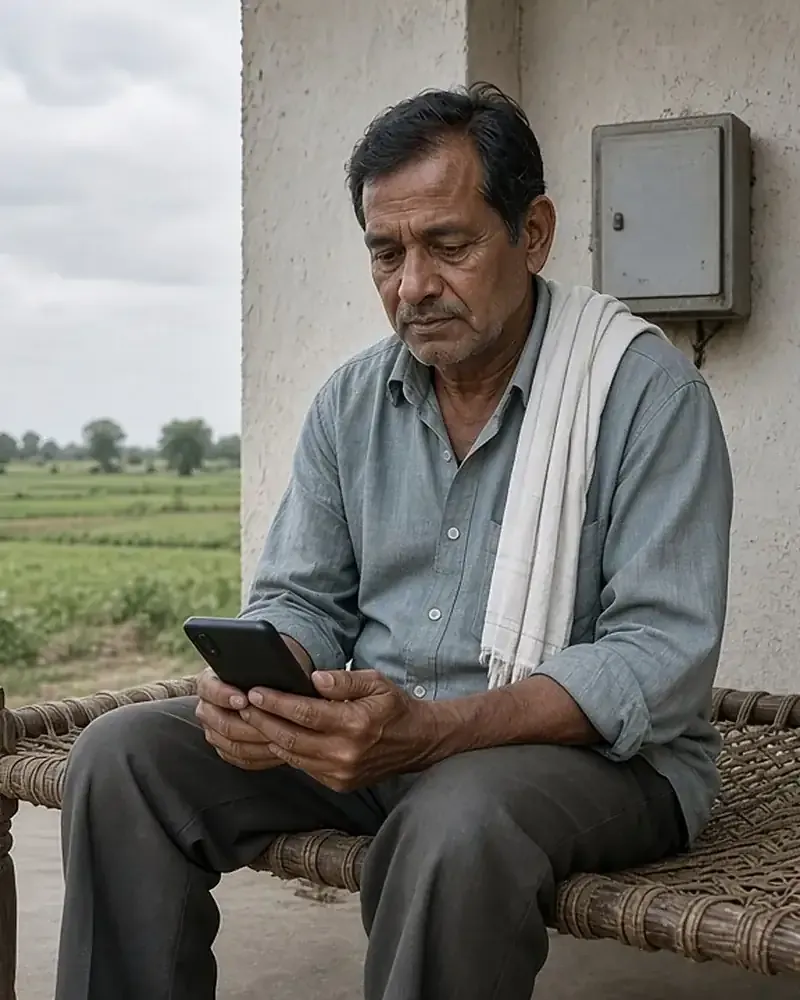
UMANG lets you book LPG refills with all three national gas companies and pay some electricity and water bills, depending on where you live. The services belong to the companies and utilities themselves: UMANG gives the login and the common screens, while the gas company or power distributor takes the booking or the payment. Every payment shows up under Profile › Transaction History, and the UMANG refund policy explains what happens when a payment fails.
What you can pay or book on UMANG
| Need | Departments on UMANG | Coverage |
|---|---|---|
| LPG refill booking | Bharat Gas, HP Gas, Indian Oil (Indane) | National |
| Electricity bills | Uttarakhand Power Corporation Limited, eSampark Chandigarh | Those areas only |
| Water and sewer bills | PHED Haryana, eSampark Chandigarh | Those areas only |
| Certificates and bills in one place | Telangana MeeSeva | Telangana |
The Utility & Bill Payments category on the UMANG services directory had 17 department entries as the main category on 20 November 2026. Not all of them take payments; the category also holds services such as Aadhaar and Passport Seva. “Refill Order (Cash on delivery)” is one of the popular services on the UMANG home page.
LPG: Bharat Gas, HP Gas and Indane
Each gas company has its own department page on UMANG with a different set of services. Keep your LPG consumer details handy; the gas company’s screens ask for what they need to find your connection.
| Service | What it is for |
|---|---|
| Refill Order | Book a refill; online payment for certain distributors |
| Refill History | See past refills |
| Track & Pay Online | Track KYC for a new connection and pay its price |
| Register for New LPG Connection | Apply for a connection |
| Upload KYC Doc | Submit KYC documents |
| DBC Request | Request a double cylinder connection |
| Change Distributor | Move to another distributor |
| Locate Distributor | Find a distributor |
| Request for Opt Out of subsidy | Give up the LPG subsidy |
| Surrender Connection Request | Close a connection |
| Service | What it is for |
|---|---|
| Refill Order (Cash on delivery) | Book and pay the delivery person |
| Refill Order (Online payment) | Book and pay online |
| Refill History | See past refills |
| Track & Pay Online | Track KYC for a new connection and pay its price |
| Register for New LPG Connection | Apply for a connection |
| Opt out of Subsidy | Give up the LPG subsidy |
| Service | What it is for |
|---|---|
| Indane LPG Bookings | Track a booking and see past bookings |
| Track Application | Follow a new connection application |
| Submit KYC | Submit KYC for a new connection |
| Indane LPG consumer Profile | Check details registered on the Indane portal |
| Locate Distributor | Find a distributor |
| Locate Retail Outlet | Find Indian Oil fuel outlets, fuel prices and amenities |
| Request for Subscription Voucher | Request a subscription voucher |
The service names come from each company’s department page on UMANG (Bharat Gas, HP Gas, Indian Oil) on 20 November 2026. The Indian Oil service data on UMANG also includes a Book Cylinder service, described as letting Indane customers book a cylinder online, and HP Gas’s service data includes Consumer Subsidy Information DBTL, which shows the subsidised cylinders on an HPCL connection.
Booking a refill, step by step
- Log in to UMANG and open your gas company’s page.
- Choose the refill service: Refill Order for Bharat Gas, Refill Order (Cash on delivery) or Refill Order (Online payment) for HP Gas, or the cylinder booking service for Indane.
- Follow the company’s screens to identify your connection and confirm the booking.
- If you pay online, keep the transaction ID; it also appears under Profile › Transaction History.
- Check the booking later in Refill History or Indane LPG Bookings.
| Company | Helpline | Hours shown |
|---|---|---|
| Bharat Gas | 1800 22 4344 | Monday to Friday, 9 AM to 6 PM |
| HP Gas | 1800-2333-555 | Monday to Friday, 9 AM to 6 PM |
| Indian Oil | 1800 2333 555 | Monday to Friday, 9 AM to 6 PM |
Delivery, distributor and subsidy questions are handled by the gas company, so call its helpline first.
Electricity bills
Electricity payment on UMANG depends on your distribution company being listed.
| Utility | Area | Services listed |
|---|---|---|
| Uttarakhand Power Corporation Limited | Uttarakhand | Pay Bill, Bill History, Payment History, Connection details, Registration, Register Complaints, Complaints history |
| eSampark Chandigarh | Chandigarh | Electricity Bill, Water Bill, Duplicate Receipt |
If your distribution company is not listed, use its own website or app, or your bank’s bill payment service.
Water and municipal services
PHED Haryana (Public Health Engineering Department) on UMANG lists Pay online Water Sewer Bills, Apply for Water/Sewer Connection, Lodge Complaint, Status of Your Complaint and Status of Your Application. eSampark Chandigarh covers water bills alongside electricity. Some states list municipal services too, such as MP e-Nagar Palika in Madhya Pradesh and the Department of Urban Local Bodies in Haryana. State services on UMANG differ widely, from 29 departments for Haryana to none for several states.
Paying safely
- Pay only inside the UMANG app or on web.umang.gov.in. UMANG will never send a payment link by SMS or ask for bank details over the phone.
- Check the consumer number, amount and company name before you confirm.
- Do not share card details, UPI PINs or OTPs with anyone who calls about a bill.
- Keep the transaction ID from the confirmation screen.
- Read the department’s own cancellation and refund terms, which the refund policy says can override UMANG’s general policy.
Receipts and transaction history
The UMANG FAQ says to go to Profile › Transaction History and select a transaction to see its status and transaction ID. You can view or download a receipt there if the department provides one. eSampark Chandigarh also offers a Duplicate Receipt service for its bills.
Money deducted but payment failed
The FAQ explains that if money was deducted but the transaction failed, the amount may be refunded automatically by your bank or payment service provider. Its steps:
- Check the status under Profile › Transaction History.
- Note the transaction ID.
- If the amount is not refunded within the time set out in the refund policy, contact UMANG customer support with the transaction ID.
Refunds are processed by the department providing the service and/or the payment gateway, depending on the transaction. UMANG customer care is on 10505, every day from 10 AM to 6 PM, or customercare@umang.gov.in.
Refund rules
| Situation | What happens |
|---|---|
| Fee for a service successfully submitted | Not refunded by UMANG |
| Successful bill payment | Not refunded by UMANG |
| Transaction that was not successful | Refunded automatically, as per RBI or Government timelines |
| Department has its own refund policy | The department’s policy applies where it differs |
The policy also says no loss will be borne by the Government or UMANG, or by the banks and payment gateways, for fees already paid. So if you pay a bill twice, ask the utility to adjust or refund the extra payment; UMANG cannot reverse a successful payment.
Frequently asked questions
Can I book a gas cylinder on UMANG?
Yes. Bharat Gas and HP Gas list refill orders on their UMANG pages, and Indian Oil’s service data includes Book Cylinder for Indane customers, alongside Indane LPG Bookings for tracking.
Can I pay my electricity bill on UMANG?
Only if your distribution company is listed, such as Uttarakhand Power Corporation Limited or eSampark Chandigarh.
Where is my UMANG payment receipt?
Under Profile › Transaction History, if the department provides a receipt.
Money was deducted but the payment failed. What now?
Check Transaction History, note the transaction ID, and wait for the automatic refund. If it does not arrive within the refund policy’s timeframe, contact UMANG support.
Will UMANG refund a successful payment?
No. Fees for successfully submitted services and successful bill payments are not refunded by UMANG.
Is there a charge for paying through UMANG?
Any fee is shown on the payment screen before you confirm. Check the department’s page for its charges.
For a failed payment, UMANG customer care needs the transaction ID from Transaction History. Bills are one part of the UMANG services list, and refunds are processed by the department providing the service and/or the payment gateway, according to the official UMANG FAQ.