UMANG customer care number 10505, email, chat and helplines
Last reviewed:
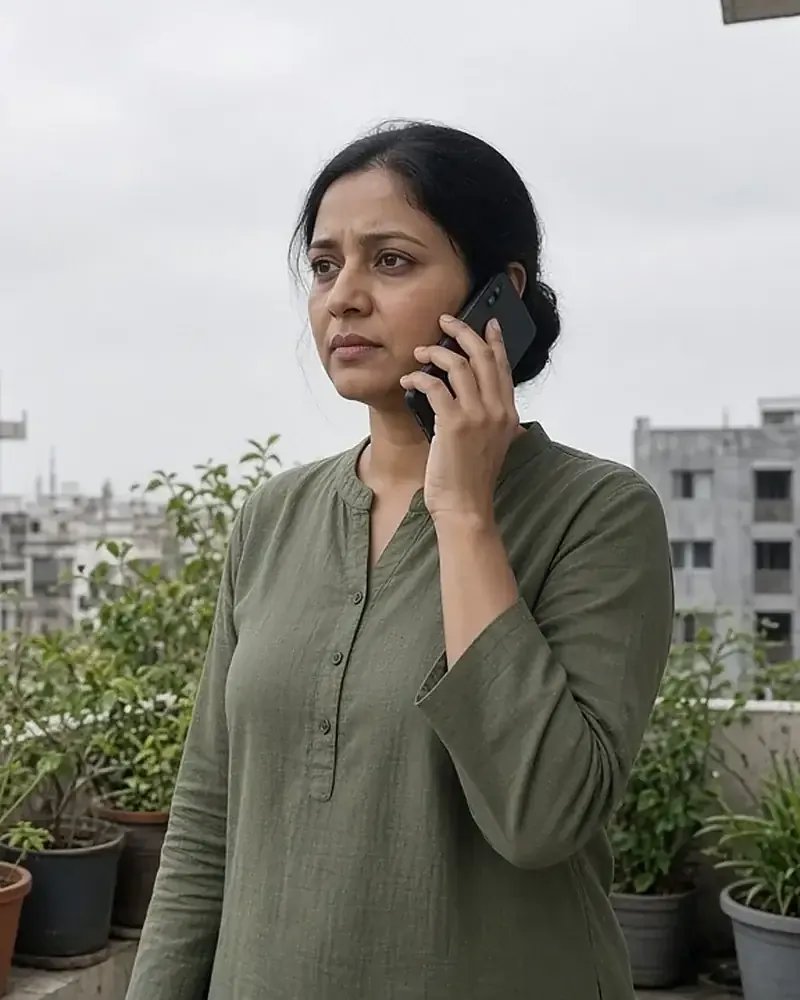
The UMANG customer care number is 10505, available every day of the week from 10 AM to 6 PM. The UMANG FAQ also gives an email address, customercare@umang.gov.in, and live chat inside the app and website under Help & Support. These channels handle UMANG itself: registration, login, MPIN, OTP, app errors and failed payments. Problems with a particular service, such as a PF claim, a gas delivery or a certificate, usually go faster through the department’s own helpline, which UMANG shows on every department page.
UMANG support channels
| Channel | Details | When available |
|---|---|---|
| Phone | 10505 | Every day, 10 AM to 6 PM |
| customercare@umang.gov.in | Write any day; reply time not stated | |
| Live chat | Help & Support › Live Chat, after logging in | Inside the app and website |
| +91 95828 10505 | Listed on the UMANG home page | |
| Feedback | Help & Support › Send Feedback, after logging in | Inside the app and website |
The UMANG home page repeats the phone hours: “We are available all days of the week from 10 am to 6 pm”. It lists the WhatsApp number among the ways to access UMANG services, along with the apps, chatbot, voice bot and an Indian Sign Language chatbot.
What to have ready before you contact support
- Your registered mobile number (never your MPIN or OTP; support staff do not need them).
- The service or department name, such as “EPFO, View Passbook”.
- The transaction ID for any payment problem, from Profile › Transaction History.
- A screenshot of the error message. The FAQ asks for the service name and a screenshot when a service is not working.
- The date and time of the problem, and whether you used the app (Android or iPhone) or the website.
Live chat and feedback inside the app
Live chat is under Help & Support › Live Chat once you are logged in. It suits short questions about login, OTPs or where to find a service. Send Feedback, in the same menu, lets you report a problem or rate the experience. The UMANG home page also lists an AI bot, a chatbot and a voice bot among its engagement features.
The UMANG user manual says Help & Support offers phone and email contact with either the UMANG Support Team or a Department Support Team, where you pick the department. That choice routes your question to the right people.
UMANG support or department support?
| Problem | Contact first |
|---|---|
| Cannot register, OTP not arriving | UMANG (10505) |
| Forgot MPIN, no access to registered mobile | UMANG (10505) |
| App crashes or will not update | UMANG (10505) |
| Money deducted, transaction failed | UMANG, with the transaction ID |
| PF claim delayed or passbook wrong | EPFO helpline |
| Aadhaar download or update issue | Aadhaar helpline |
| Gas booking or delivery problem | Your gas company’s helpline |
| Certificate or state service delayed | The state department’s helpline |
The FAQ explains that each service is managed by its department. When a service does not work, it suggests trying again later, checking the department’s helpline in the Department Information section of its UMANG page, and then contacting UMANG support with the service name and a screenshot.
Department helplines
These helplines and hours appear on each department’s page on UMANG.
| Department | Helpline | Hours shown |
|---|---|---|
| EPFO | 1800118005 | Monday to Friday, 9:15 AM to 5:15 PM |
| Aadhaar | 011-23466899 | Monday to Saturday, 9 AM to 6 PM |
| NPS | 1800222080 | Monday to Friday, 9 AM to 6 PM |
| e-Shram | 14434 | Monday to Sunday, 9 AM to 6 PM |
| ESIC | 1800-11-3839, 1800-11-2526 | Monday to Friday, 9 AM to 5:30 PM |
| Indian Railways | 139 | Monday to Saturday, 9 AM to 6 PM |
| Passport Seva | 1800-258-1800 | Monday to Friday, 9 AM to 6 PM |
| Department | Helpline | Hours shown |
|---|---|---|
| Bharat Gas | 1800 22 4344 | Monday to Friday, 9 AM to 6 PM |
| HP Gas | 1800-2333-555 | Monday to Friday, 9 AM to 6 PM |
| Indian Oil | 1800 2333 555 | Monday to Friday, 9 AM to 6 PM |
| Jeevan Pramaan | 0120-3076200 | Monday to Friday, 9 AM to 6 PM |
| ABHA | 1800-11-4477, 1800-11-14477 | Monday to Saturday, 9 AM to 6 PM |
| Department | Helpline | Hours shown |
|---|---|---|
| e-District Delhi | 011-23935730 to 011-23935734 | Monday to Saturday, 10 AM to 6 PM |
| e-District Chandigarh and eSampark Chandigarh | 1800-180-1725 | Monday to Friday, 9 AM to 6 PM |
| PHED Haryana | 1800-180-5678 | Monday to Friday, 9 AM to 6 PM |
| Sewa Setu, Assam | 1800-345-3574 | Monday to Sunday, 8 AM to 8 PM |
| e-Mitra Rajasthan | 0141-2221425 | Monday to Saturday, 9 AM to 5:30 PM |
| Telangana MeeSeva | 1100 | Monday to Saturday, 10:30 AM to 6 PM |
| Apuni Sarkar, Uttarakhand | 1905 | Monday to Friday, 9:30 AM to 6 PM |
| Uttarakhand Power Corporation Limited | 1800-419-0405 | Monday to Saturday, 10 AM to 5 PM |
| CPGRAMS | 011-23401464, 011-23401458, 011-23401465 | Monday to Friday, 9 AM to 5:30 PM |
If your state’s department is not in these tables, open its page on UMANG and look under Department Information. Other central departments, such as eSanjeevani and National Scholarship Portal, and the LPG companies show their helplines on their UMANG pages in the same way.
Escalating an unresolved complaint
- Give the department time and keep references. Note the grievance or ticket number.
- Use the department’s grievance service on UMANG. EPFO, for example, offers Register Grievance, Send Reminder and View Status.
- Use CPGRAMS for government departments. CPGRAMS on UMANG lets you lodge a grievance against any government department and view its status.
- For consumer complaints about UMANG, the FAQ says that if a complaint remains unresolved, you can register a grievance through the National Consumer Helpline.
Avoiding fake helpline numbers
Search results and social media posts sometimes show numbers that do not appear on any UMANG page, including toll-free numbers presented as “UMANG customer care” and “city-wise” UMANG numbers. UMANG has one national support number, 10505. There are no separate UMANG numbers for Delhi, Mumbai, Bengaluru or other cities.
- Take numbers only from UMANG’s own pages or the department page on UMANG.
- UMANG will never ask for your OTP, MPIN or bank details by call, SMS or email.
- Never install a “support” or screen-sharing app at a caller’s request.
- If you shared your MPIN or an OTP, reset the MPIN at once and report it to UMANG support.
Office address
The UMANG About Us page gives the address of the National e-Governance Division:
National e-Governance Division, 4th Floor, Electronics Niketan, Ministry of Electronics & IT, 6, CGO Complex, Lodhi Road, New Delhi 110003.
For help with an account or a service, UMANG lists phone, email, live chat and WhatsApp as its support channels.
Frequently asked questions
What is the UMANG customer care number?
10505, every day from 10 AM to 6 PM.
Is UMANG customer care toll-free?
UMANG lists 10505 as its customer care number but does not state call charges on its help pages.
What is the UMANG email address?
Does UMANG have a WhatsApp number?
Yes. The UMANG home page lists +91 95828 10505.
Is there a UMANG customer care number for my city?
No. There is one national number, 10505.
Who do I call about my PF claim?
EPFO’s helpline, 1800118005, Monday to Friday, 9:15 AM to 5:15 PM, as shown on EPFO’s UMANG page.
Can UMANG support reset my MPIN?
Use Forgot MPIN? on the login screen first. If you have no access to the registered mobile and no verified email, contact customer care.
UMANG will never ask for your OTP, MPIN or bank details by phone call, SMS or email, according to the official FAQ.